A simpler way to plan.
Three steps: choose your design, add your details and preview, then pay when you’re ready, publish and share. Every reply comes back to your dashboard.
- Choose your design
Open any design exactly as a guest will see it, opening and reply included, with sample names. No account needed.

- Add your details and preview
Start with your names, date and events. Menus, dress codes, travel and your story can wait until you’re ready. Your private draft shows exactly what guests will see.
- Pay when ready, publish and share
Pay once when it feels right, publish, and send each household its own link. Every answer lands in your dashboard, event by event.
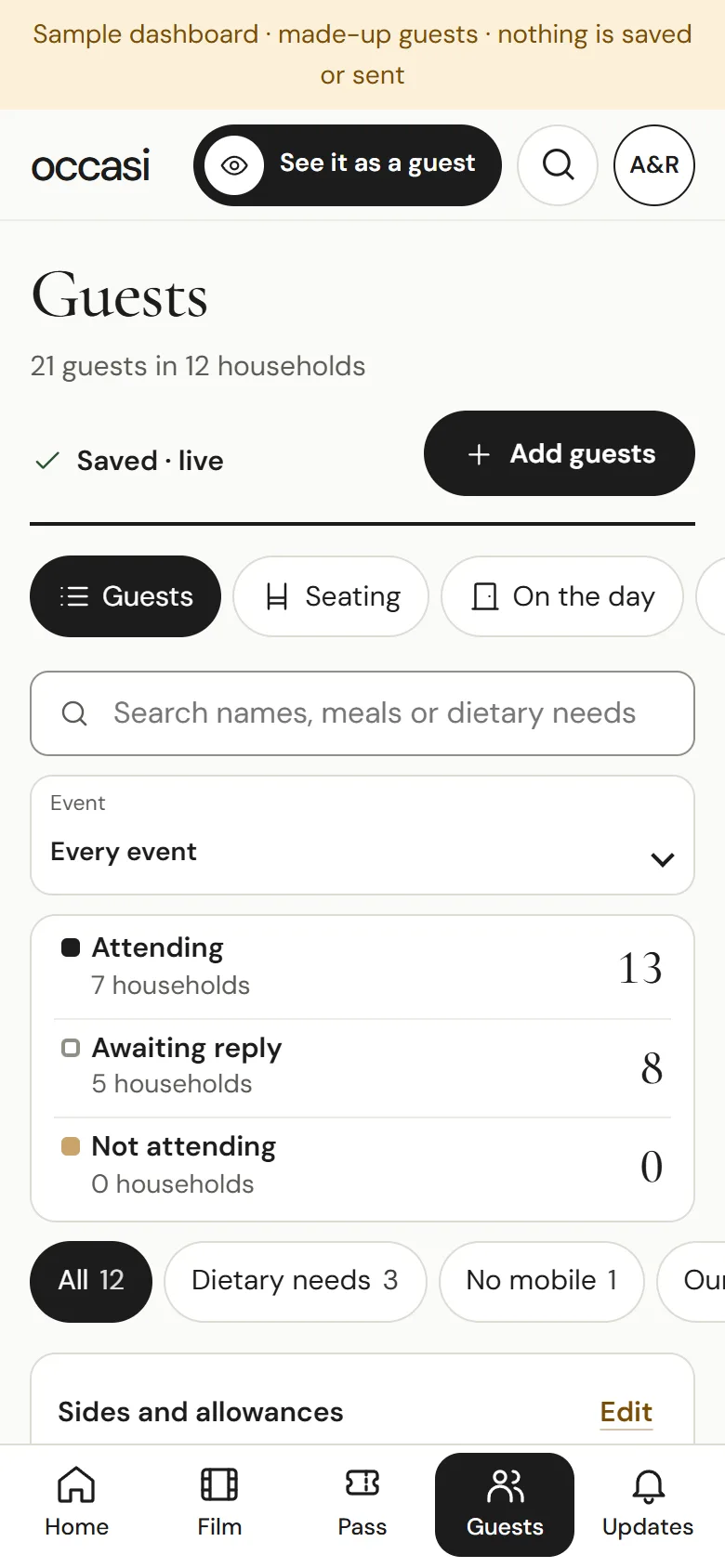

See it in action.
27 seconds of real screens, with sample guests.
One link, moment by moment.
The same link changes with the weekend. The last three come with The Occasi Pass.
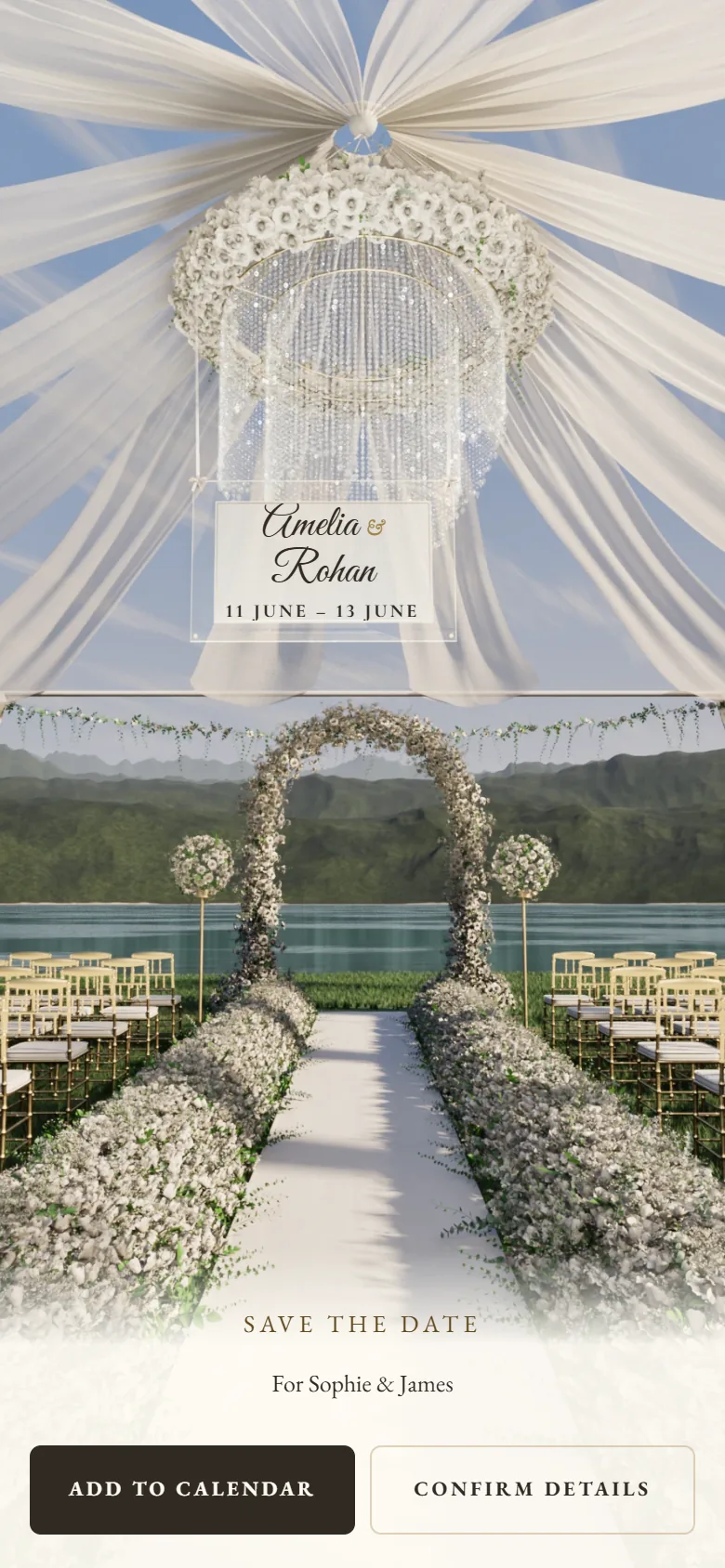
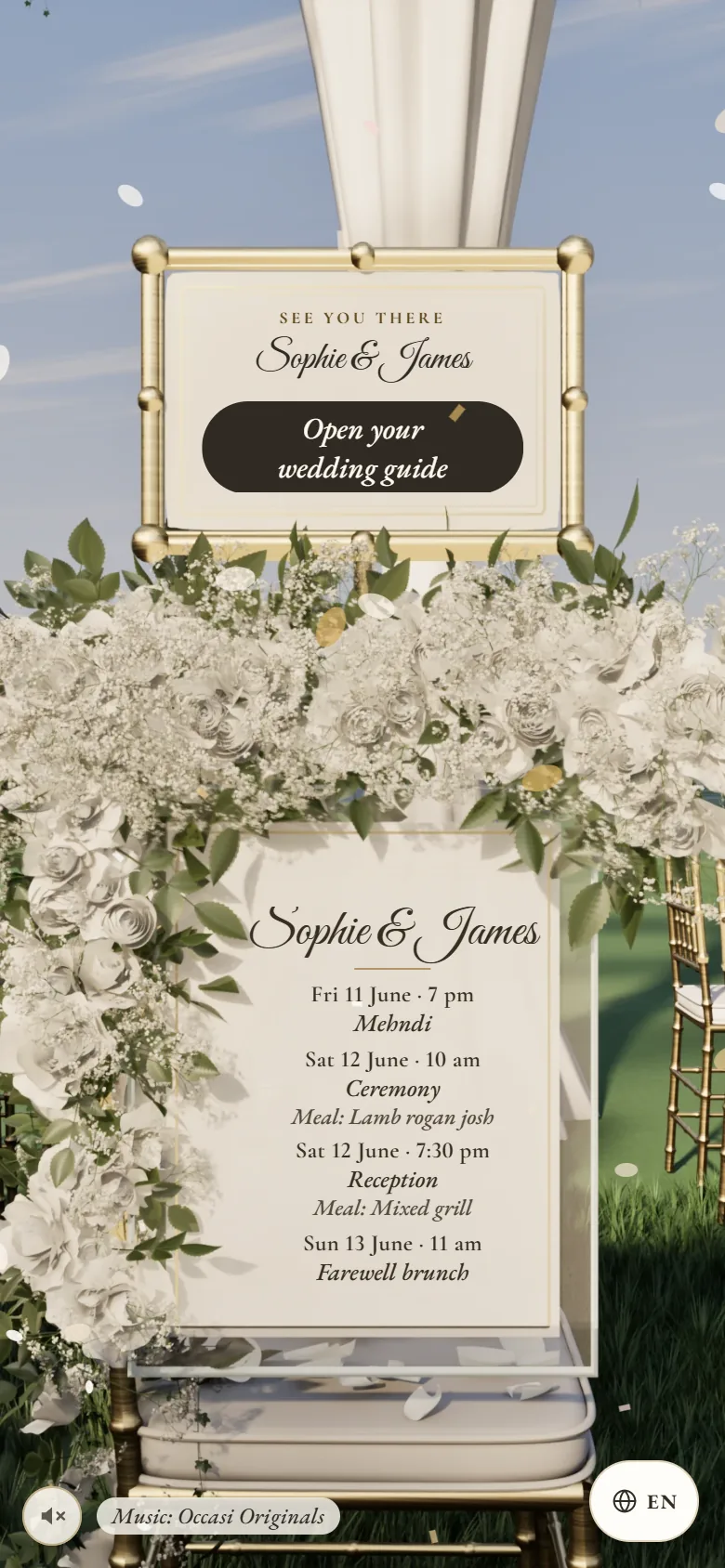
- Save the date
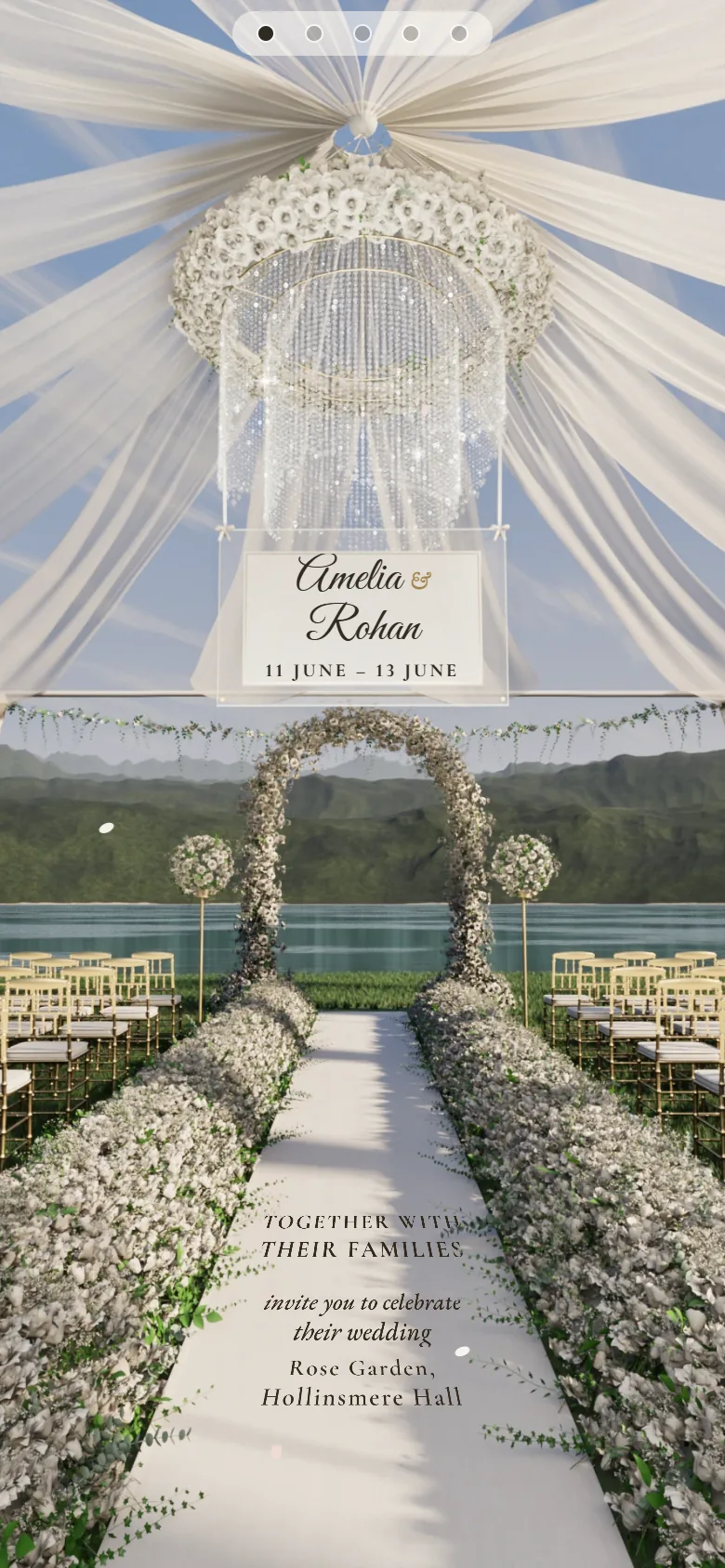
- The invitation
- You’re in
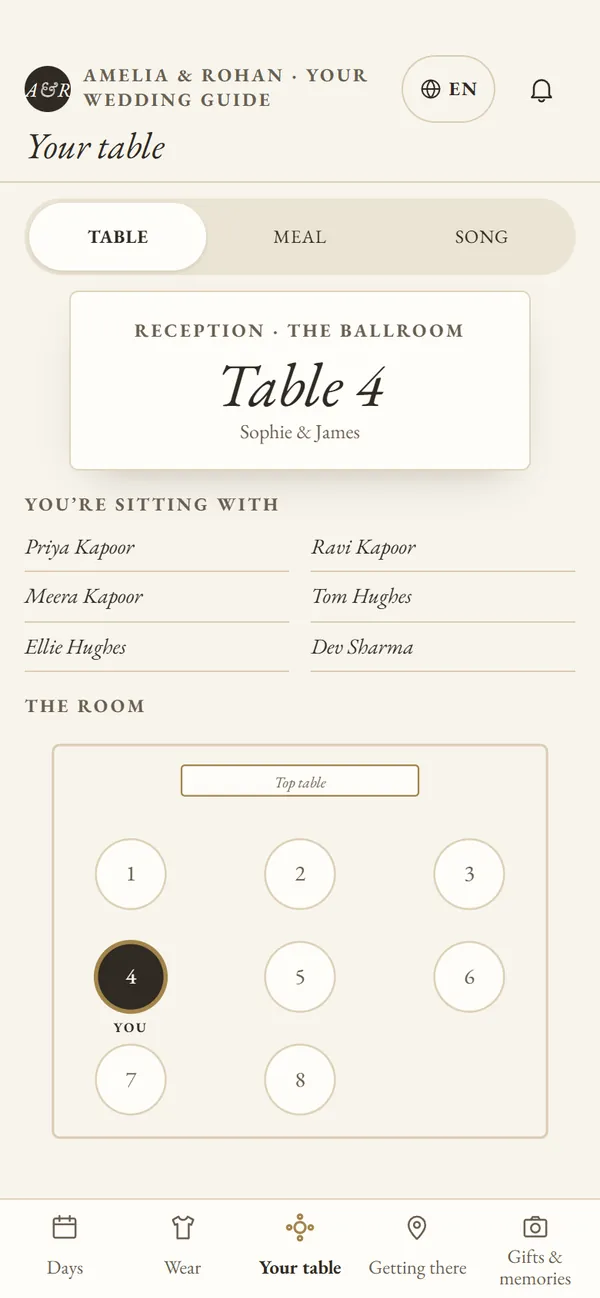
- Their table
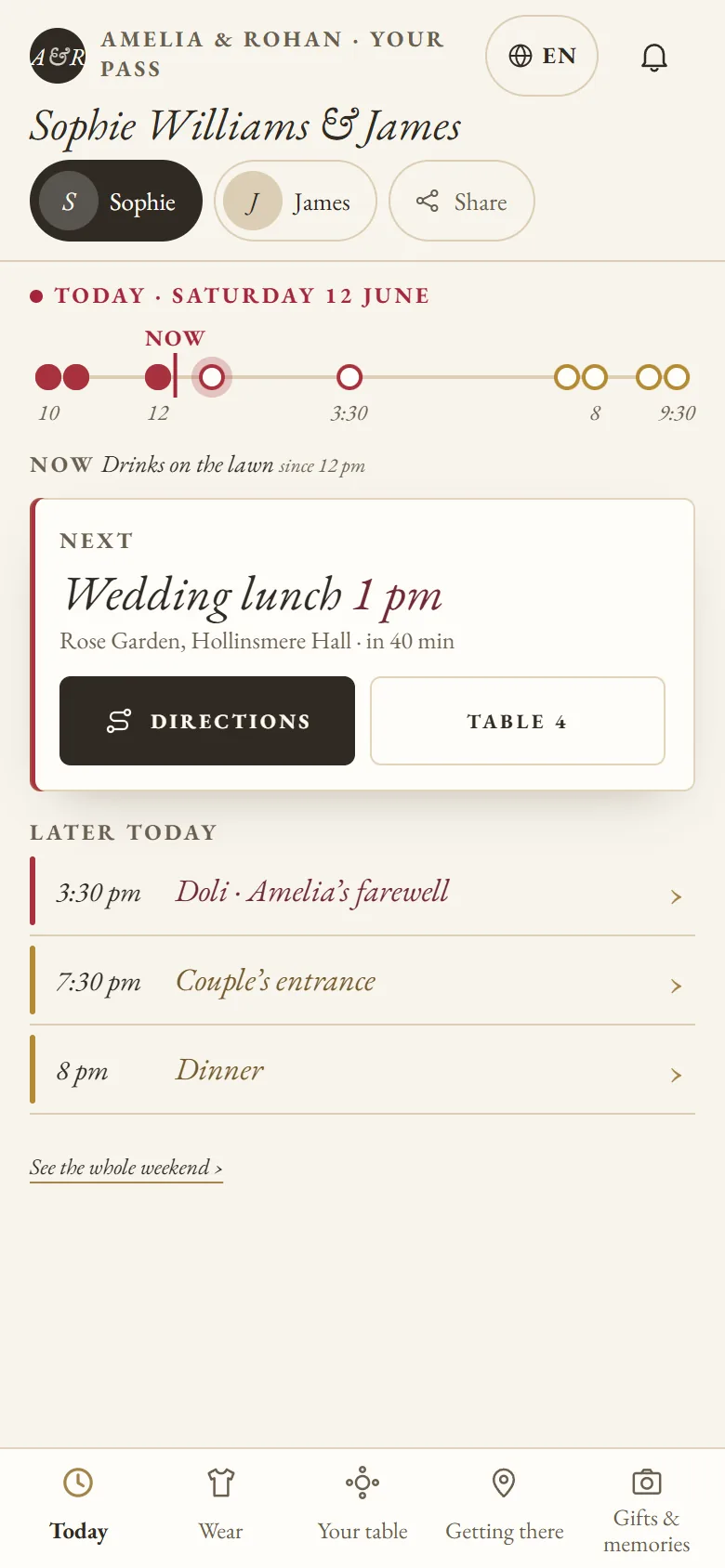
- What’s next
- Thank you
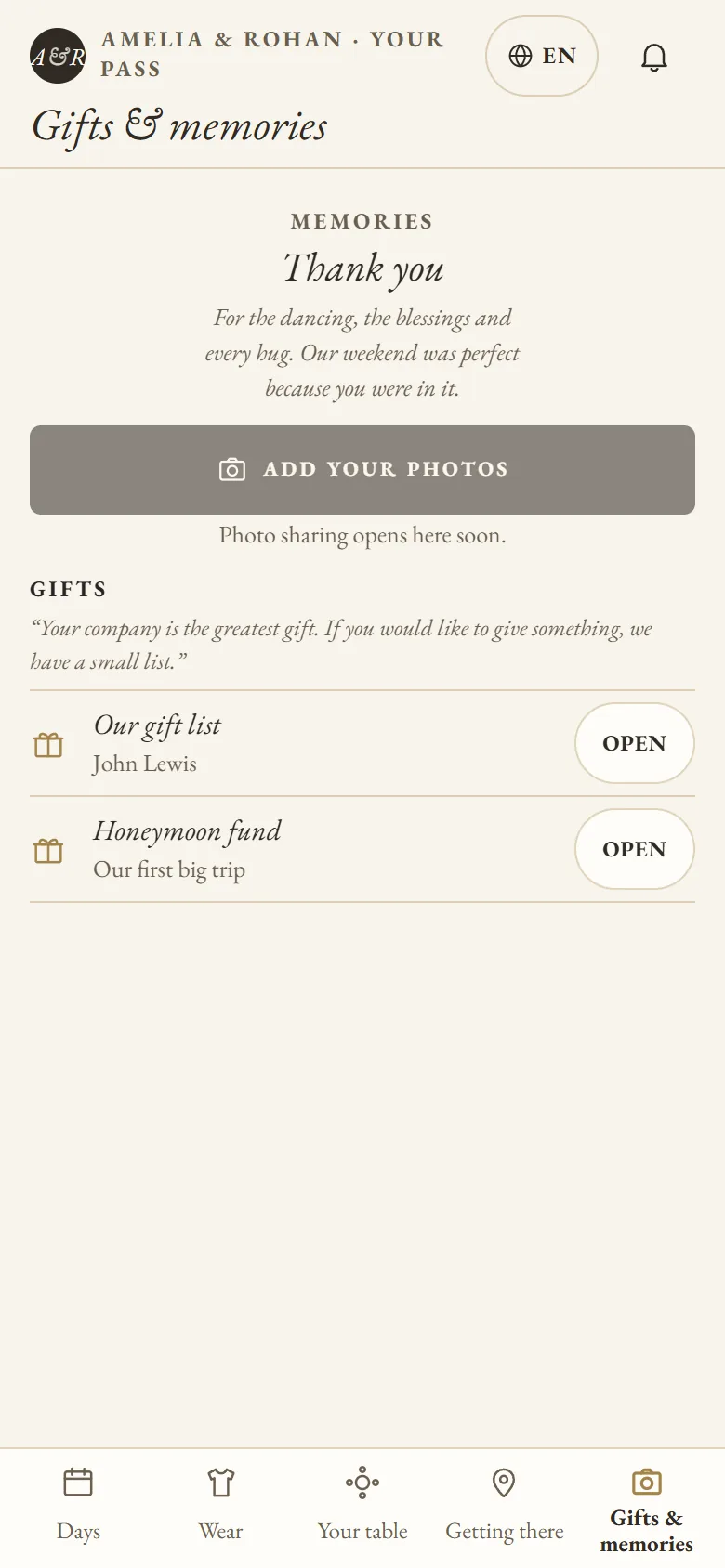

Real screens from The White Pavilion, with sample guests.
After they reply · with The Occasi Pass
Then their own Pass, tab by tab.
What to wear, for every event
Getting there: map and travel
Their table and meal
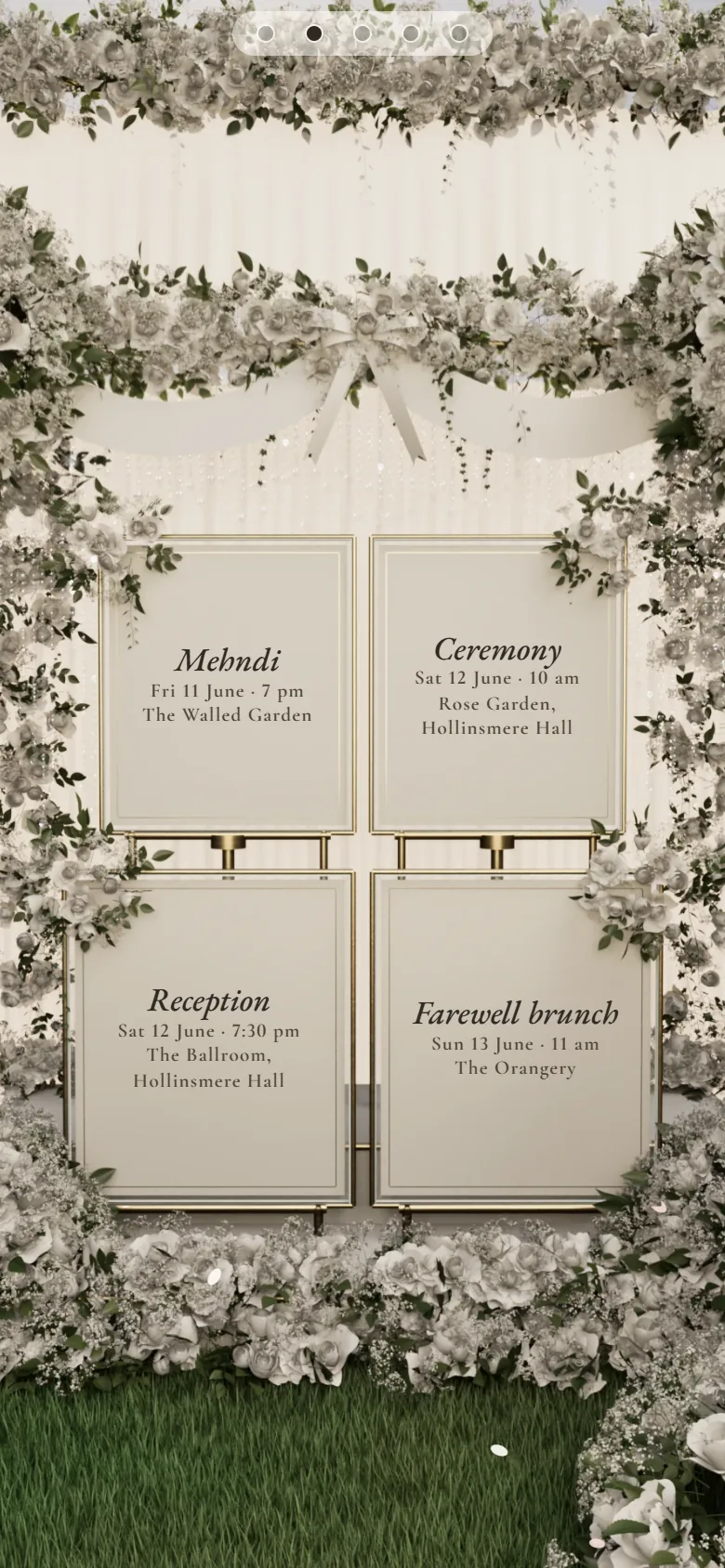
Every day of your weekend
Your gift list, and the countdown
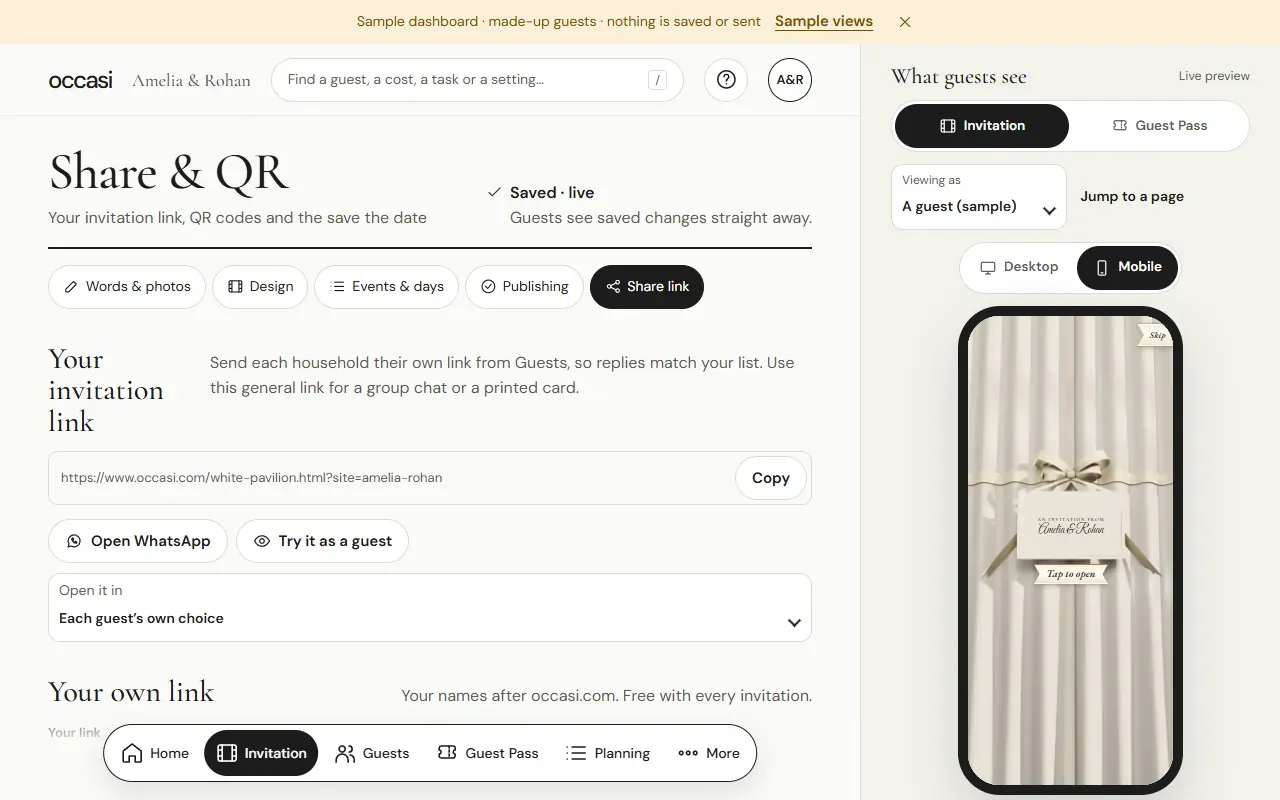
A link for each household.
Add your guests as households: a couple, a family, or one friend. Each household gets its own link, which opens with their names and shows only the events you’ve invited them to. One person can reply for everyone in the household, with a different answer for each person if they need one, and their meal choices and dietary needs come back to the right names in your guest list.
Send it your way.
- From your own phone
WhatsApp, email or any messaging app, or a QR code on a card.
- Or by text
Text invitations and reminders are an optional add-on for UK mobiles: 10p per text segment, from a balance you top up. You choose who gets them and when. Nothing goes out unless you’ve switched it on or scheduled it. Guests can stop texts with one tap.
Questions people ask.
Can I try the dashboard first?
Yes. The dashboard demo has made-up guests. Nothing in it is saved or sent.
Do guests need an app?
No. Guests open their link in the phone’s browser. There’s nothing to download and nothing to sign up for.

Start with a free draft. Publish when it feels right.
The Invitation £49.99, or The Occasi Pass £69.99, paid once.